Starlink Mobile Gen 3 vs SAT-COM Low Energy: Which RV Internet is Better?
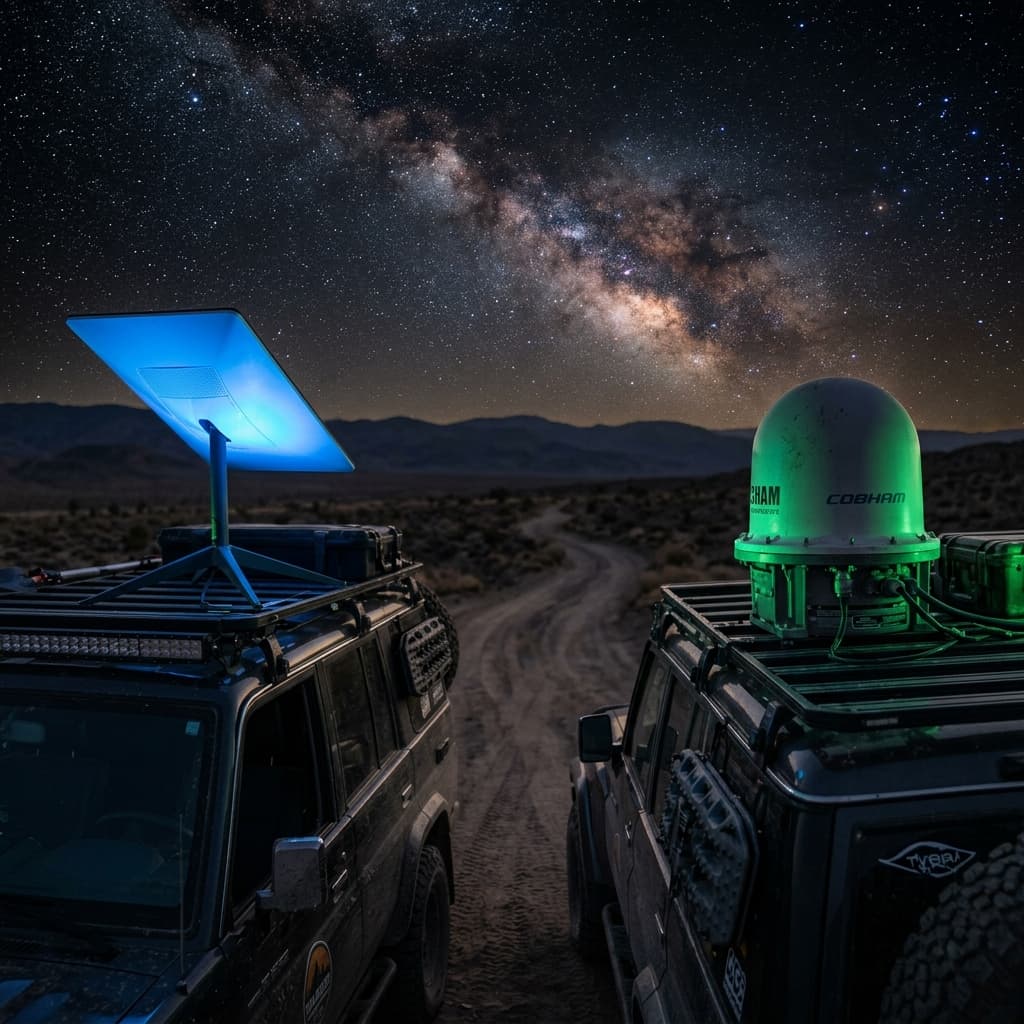
For years, Elon Musk's Low Earth Orbit (LEO) constellation possessed an absolute monopoly over the off-grid digital nomad market. However, the paradigm is fracturing. The rise of alternative ultra-low-power SAT-COM arrays is forcing nomads to ask a critical question: do I actually need gigabit speeds in the desert, or do I just need unbreakable pings? This comprehensive technical audit dissects the power budgets, orbital mechanics, and real-world usability of 2026 satellite internet options for the mobile lifestyle.
The Starlink Gen 3 (Standard V3) is a remarkable piece of engineering. Eliminating the mechanical actuating motors of its predecessor, it opted for a fixed, flat-mount friendly form factor boasting enhanced phased-array targeting. It excels at streaming 4K Netflix and surviving brutal weather. Conversely, emerging SAT-COM Low Energy (LE) networks prioritize absolute energy conservation, relying on different orbital frameworks and ruggedized maritime-style antennas designed to sip watts instead of gulping them. For the off-grid RVer, the choice of satellite internet is no longer a simple matter of "Starlink or nothing." It's a strategic decision that directly impacts battery bank sizing, solar array requirements, and ultimately, the freedom to stay disconnected from shore power for extended periods.
To make an informed decision, we must look beyond marketing claims and examine the fundamental physics and engineering trade-offs. How do the orbits differ? Why does a phased-array antenna consume so much power? What sacrifices in speed are acceptable for a 70% reduction in daily energy consumption? And perhaps most importantly, what does your specific workflow actually require? Let's dive into the wattage war and the orbital mechanics that define the 2026 satellite internet landscape.
Orbital Mechanics 101: Why Altitude Dictates Power
To understand why Starlink is power-hungry and SAT-COM LE alternatives are miserly, we must first understand the relationship between satellite altitude, signal strength, and antenna complexity. Starlink operates in Low Earth Orbit (LEO), at an altitude of approximately 550 km. At this relatively low altitude, the signal travel time (latency) is short, typically 20-40 milliseconds round-trip. This is excellent for real-time applications like video calls and online gaming. However, because the satellites are moving at roughly 27,000 km/h relative to the ground, a stationary antenna on your RV must electronically "steer" its beam to track the satellite as it zooms across the sky.
This electronic steering is accomplished by a Phased-Array Antenna, a flat panel containing hundreds of tiny antenna elements, each with its own phase shifter and amplifier. By precisely controlling the phase of the signal emitted by each element, the antenna can form and steer a focused beam without any moving parts. This is a marvel of modern RF engineering, but it comes at a steep power cost. The Gen 3 dish contains over 1,200 individual antenna elements, and the beamforming ASICs (Application-Specific Integrated Circuits) consume 30-40W continuously, even when no data is being transmitted. Add the power for the modem, the onboard computer running Linux, and the RF front-end, and you arrive at the 45-55W idle draw observed in real-world testing.
In contrast, many SAT-COM LE systems utilize satellites in Geostationary Orbit (GEO) at 35,786 km, or in Medium Earth Orbit (MEO) at around 8,000 km. The key difference is that GEO satellites appear stationary in the sky. A simple, fixed parabolic dish or a small, low-gain patch antenna can be aimed once and left alone. No complex beamforming is required. The antenna is essentially a passive reflector with a simple Low Noise Block downconverter (LNB). The power consumption is dominated by the modem's processor, which can be optimized for low duty cycles. This is why a SAT-COM LE terminal can idle at 12W, it's doing far less computational work.
The trade-off is latency. The signal must travel 35,786 km up and 35,786 km down, a total of over 140,000 km round-trip including routing. This introduces a minimum latency of 500-600 milliseconds, regardless of how fast the modem is. For web browsing and email, this delay is barely noticeable. For a Zoom call or a VoIP phone call, it's debilitating. For competitive gaming, it's impossible. This fundamental physics trade-off, low latency with high power vs. high latency with low power, is the crux of the decision for the off-grid nomad.
The Wattage War: Calculating the Parasitic Drain
Internet connectivity is useless if it rapidly depletes your RV's battery bank on a cloudy day. Let's delve directly into the mathematics of daily energy consumption.
| System | Idle Power Draw | Active Load (Heavy Data) | Avg Daily Wh (24hr ON) | Annual kWh @ 200 Days Use |
|---|---|---|---|---|
| Starlink Gen 3 (Inverter AC) | 45W - 55W | 75W - 100W+ (Snow Melt) | ~1,400 Wh | 280 kWh |
| Starlink Gen 3 (DC Modified) | 35W - 40W | 60W - 80W | ~1,000 Wh | 200 kWh |
| SAT-COM LE Terminal (e.g., Iridium Certus, Inmarsat BGAN) | 12W | 25W | ~400 Wh | 80 kWh |
| Emerging LEO Constellations (Project Kuiper Anticipated) | ~25W (Estimated) | ~50W | ~700 Wh | 140 kWh |
*Starlink DC Modified figures assume a high-efficiency 12V to 56V boost converter, bypassing the stock AC power supply. This is a popular DIY modification but requires careful attention to voltage regulation and cable gauge.
The numbers are stark. A standard AC-powered Starlink Gen 3 consumes roughly 1.4 kWh per day if left on continuously. To put that in perspective, that's the equivalent of running a 12V compressor fridge for 36 hours, or powering a 15,000 BTU air conditioner for nearly an hour. A SAT-COM LE terminal consumes less than a third of that energy. Over a 200-day travel year, the difference is 200 kWh, enough to drive a Tesla Model Y for over 500 miles. This energy must come from somewhere: either a larger solar array (adding $500-$1,000 in panels and mounting), a larger battery bank (another $1,000-$2,000), or more frequent driving to recharge via the alternator.
The DC Conversion Imperative: Reclaiming 20% Efficiency
A significant portion of Starlink's energy waste stems from the double conversion inherent in its stock configuration. The dish and router require 56V DC and 12V DC respectively. The stock power supply takes 120V AC from your inverter, rectifies it to high-voltage DC, and then uses a switching converter to produce the required voltages. Your RV's inverter, in turn, takes 12V DC from the battery, boosts it to 120V AC, and feeds it to the Starlink power supply. This chain of DC -> AC -> DC -> DC is riddled with conversion losses, typically 15-20% at each stage.
The solution, widely adopted by the energy-conscious nomad community, is a DC-DC conversion. A specialized boost converter takes 12V or 24V directly from the house battery and steps it up to the 56V required by the Starlink dish. The router can be powered directly from the 12V system. This eliminates the inverter entirely from the Starlink power path, reducing total power consumption by 15-20W, a saving of 360-480 Wh per day.
Several companies now offer plug-and-play DC power supplies for Starlink, complete with waterproof connectors and proper voltage regulation. For the DIY-inclined, a Mean Well SD-1000L-12 or a Victron Orion-Tr 12/48-8 (with careful voltage adjustment) can be repurposed. The key considerations are: ensuring the boost converter can handle the peak current draw (up to 8A at 12V for 100W peak), providing adequate cooling (the converter will generate heat), and using sufficiently thick wire (10 AWG minimum for 12V input) to minimize voltage drop. A properly executed DC conversion can reduce Starlink's daily energy footprint from 1,400 Wh to around 1,000 Wh, a 28% improvement. It's the single most impactful upgrade for Starlink-equipped RVs.
Performance Dynamics: Speed, Latency, and Real-World Usability
There is a reason Starlink consumes immense power: it generates staggering bandwidth. A properly positioned Gen 3 dish routinely delivers 150 Mbps to 250+ Mbps download speeds with latencies hovering around 30-45ms. If your nomadic lifestyle entails daily Zoom meetings with crisp 1080p video, uploading heavy 4K YouTube edits, or playing fast-twitch competitive gaming, Starlink remains the undisputed titan. The low latency is the killer feature, it makes remote work feel like you're in a corporate office.
Conversely, SAT-COM LE systems tap into sparser constellations, often in GEO or MEO. They offer adequate, albeit constrained, bandwidth, typically restricted to 15 Mbps to 30 Mbps download and 2-5 Mbps upload. Latency is the real bottleneck, ranging from 500ms to 700ms. This makes real-time video conferencing a painful experience, with awkward delays and frequent audio cutouts. However, for a remote software engineer updating GitHub repositories, handling Slack messages, browsing documentation, or simply streaming Spotify, 25 Mbps is entirely sufficient. Most web browsing and asynchronous communication tools are designed to tolerate high latency. By sacrificing the extravagant capability to download entire video games in mere minutes or stream 4K HDR content, you claw back massive amounts of daily battery capacity.
It's also worth noting that Starlink's performance is not uniform. In congested cells (popular RV destinations like Quartzsite, AZ, or Moab, UT), speeds can degrade significantly during peak hours, sometimes dropping below 50 Mbps. SAT-COM LE networks, with their lower user density and dedicated bandwidth allocation, often provide more *consistent* speeds, even if the ceiling is lower. For a nomad who values predictability over peak performance, this consistency is a hidden advantage.
Thermal Management: Snow Melt and Overheating
Starlink Gen 3 includes a "Snow Melt" or "Heater" mode that activates automatically when the dish detects reduced signal quality due to snow or ice accumulation. This mode can draw an additional 50-100W, dramatically increasing energy consumption. For winter campers, this is a necessary evil to maintain connectivity during a blizzard. SAT-COM LE terminals, with their simpler antenna designs, typically lack active heating and rely on the terminal's internal waste heat or a hydrophobic coating to shed snow. In heavy snow, they may lose signal, but they also won't drain the battery attempting to melt it.
Conversely, in extreme heat, Starlink's dish can overheat. The Gen 3 dish is rated for operation up to 50°C (122°F) ambient. On a black RV roof in the desert sun, the surface temperature can easily exceed 70°C (158°F). The dish will throttle its transmit power or shut down entirely to protect the electronics. SAT-COM LE terminals, often designed for maritime and military applications, have wider operating temperature ranges and more robust thermal management. For desert boondocking, a SAT-COM LE terminal may actually be *more* reliable than Starlink, despite the lower bandwidth.
🚀 You Should Buy Starlink Gen 3 IF:
- You possess a massive solar array (800W+) and utilize heavy lithium storage (400Ah+ at 12V).
- Your income expressly requires ultra-high bandwidth for video conferencing, large file transfers, or content creation.
- Low latency (under 50ms) is non-negotiable for your work or gaming habits.
- You are willing to perform flat-mounting modifications and invest in a high-quality DC-DC converter to claw back efficiency.
- You frequently travel to remote areas with no cellular coverage and rely on satellite as your sole internet connection.
- You camp in winter conditions where snow melt capability is essential to maintain connectivity.
🔋 You Should Select SAT-COM LE IF:
- You operate a smaller rig, truck camper, or overland vehicle with limited roof real estate for solar.
- Your battery bank is modest (200Ah or less) and you hate constantly monitoring SOC.
- Your work consists primarily of email, Slack, code commits, and text-based research, latency-tolerant tasks.
- You prioritize maintaining an unbroken, reliable connection over experiencing ultra-high speeds.
- You travel extensively in extreme heat (desert environments) where Starlink may thermally throttle.
- You value the simplicity of a "set and forget" system that doesn't require complex DC modifications.
The Future Landscape: Project Kuiper, AST SpaceMobile, and Hybrid Approaches
The satellite internet market in 2026 is no longer a monopoly. Amazon's Project Kuiper is deploying its own LEO constellation, with consumer terminals expected to enter the RV market by late 2026 or early 2027. Early specifications suggest Kuiper terminals may be more power-efficient than Starlink Gen 3, with idle draws estimated around 25-30W and performance comparable to Starlink. This competition will drive innovation and potentially lower prices for both hardware and service.
Another intriguing development is AST SpaceMobile, which aims to provide direct-to-cell satellite connectivity. This would allow a standard smartphone to connect to satellites without any external antenna, effectively eliminating the RV terminal entirely. The bandwidth will be limited (initially 2-10 Mbps), but for basic connectivity and emergency communication, it's a game-changer. This technology is still in early deployment but promises to further fragment the market and provide even lower-power options for casual users.
For the pragmatic RVer, a Hybrid Approach is increasingly common. Use Starlink for work hours, when high bandwidth and low latency are essential, and then physically power it down in the evening. Use a SAT-COM LE terminal or a cellular hotspot (with a WeBoost or SureCall signal booster) for overnight connectivity, checking emails, streaming music, and maintaining a basic connection. This strategy balances energy consumption with functionality, ensuring you're not wasting precious watt-hours on a gigabit pipe while you sleep.
The Inverter Idle Penalty: A Hidden Cost
One often-overlooked factor in the Starlink power equation is the inverter itself. If your RV's inverter must be left "ON" solely to power the Starlink AC power supply, you are incurring the inverter's idle consumption, typically 20-40W for a 3000W unit. This is wasted energy that provides no benefit. The DC-DC conversion described earlier eliminates this penalty entirely, allowing you to turn the inverter off when not needed for other AC loads. For a full-time nomad, this single change can save 0.5 to 1.0 kWh per day, equivalent to adding an extra 100W solar panel to the roof. It's a non-negotiable upgrade for any serious Starlink-equipped off-grid system.
Conclusion: Right-Sizing Your Connection
The choice between Starlink and SAT-COM LE is not about which technology is "better" in absolute terms. It's about aligning your internet connectivity with your energy budget and your actual usage patterns. Starlink is a high-performance tool that demands a commensurate energy investment. It's the Ferrari of satellite internet, exhilarating but thirsty. SAT-COM LE is the reliable diesel truck, slower, but it'll get you there without constant refueling stops.
Before making a decision, audit your own workflow. Do you *really* need 200 Mbps in the wilderness, or would 25 Mbps suffice 95% of the time? Are you willing to invest an extra $1,000 in solar and batteries to feed the Starlink beast? The answers to these questions will guide you to the right choice for your unique nomadic journey. The good news is that in 2026, you finally have a choice.
Technical Expansion
Deepen your expertise with our most critical recent diagnostic reports.
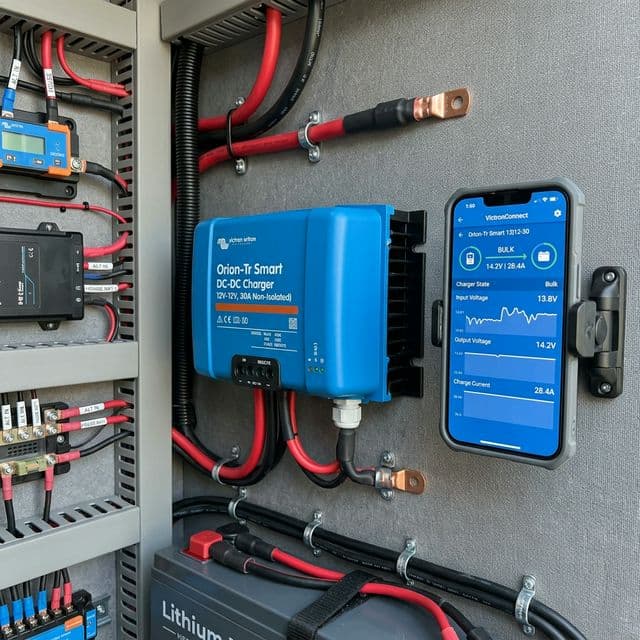
Victron Orion-Tr Smart DC-DC Review: Precision and Monitoring
Why the smart version of the Orion-Tr is essential for high-end technical builds.
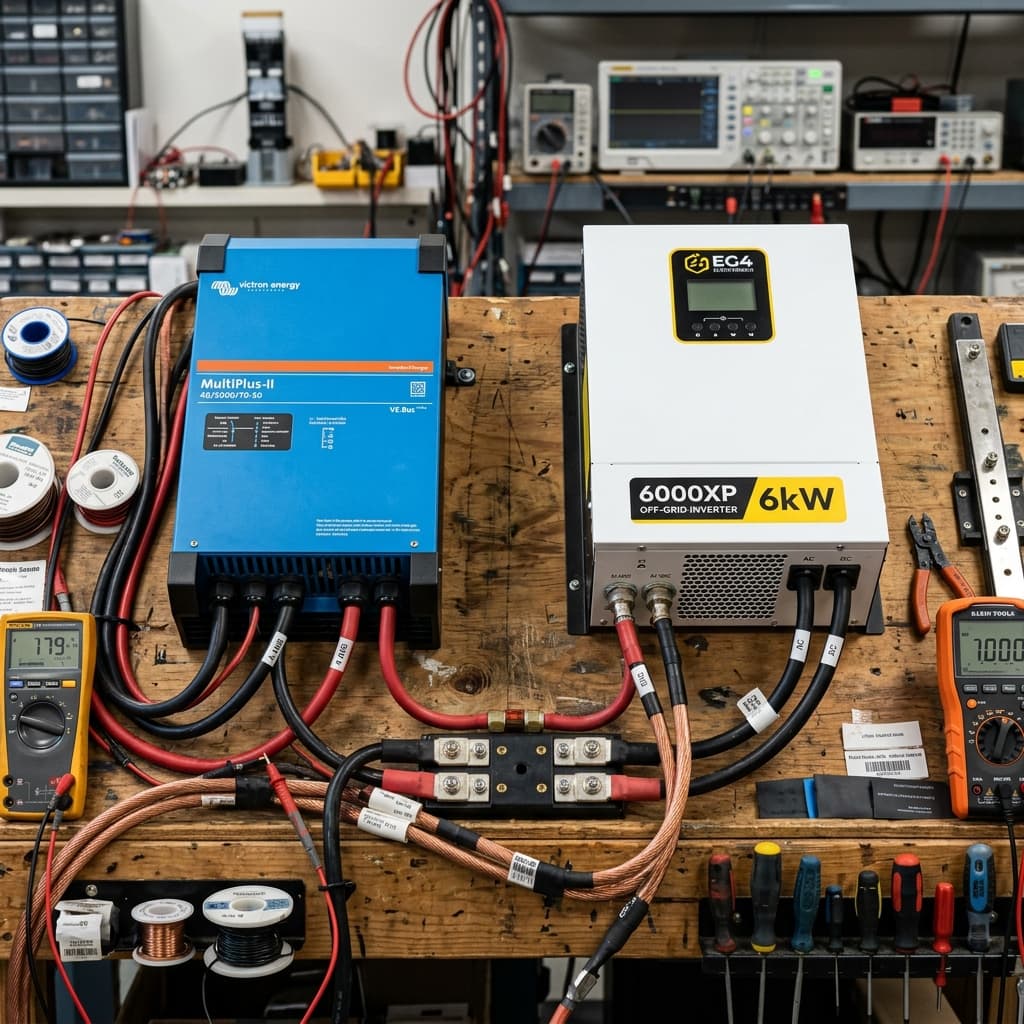
Victron MultiPlus-II vs. EG4 6000XP: Has the 'Blue King' Been Dethroned in 2026?
We benchmark the legendary Victron MultiPlus-II against the disruptive EG4 6000XP. Discover which 6000W-class inverter dominates in surge capacity, idle draw, and off-grid reliability.
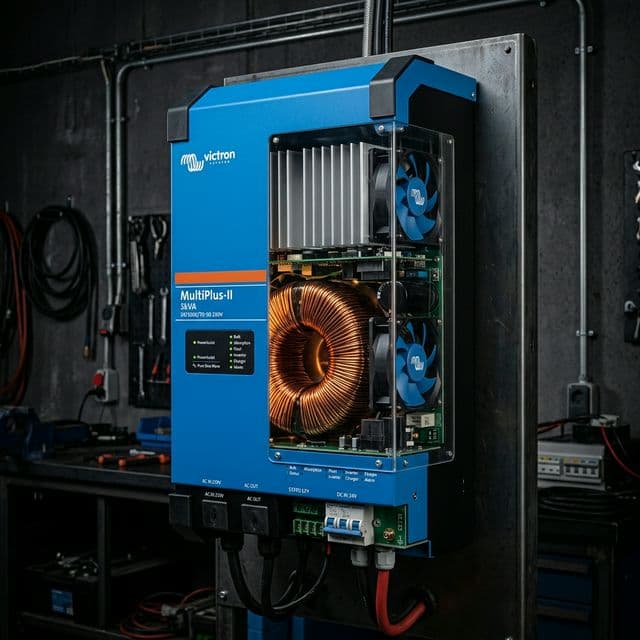
Victron MultiPlus-II 3kVA: The 'King' of RV Inverters Analyzed
Victron MultiPlus-II 3kVA inverter/charger: 2026 industrial audit. Learn about PowerAssist, toroidal transformer physics, and system reliability.