Parasitic Loads 2.0: The 'Silent Drain' Killing Your Smart RV’s Lithium Bank
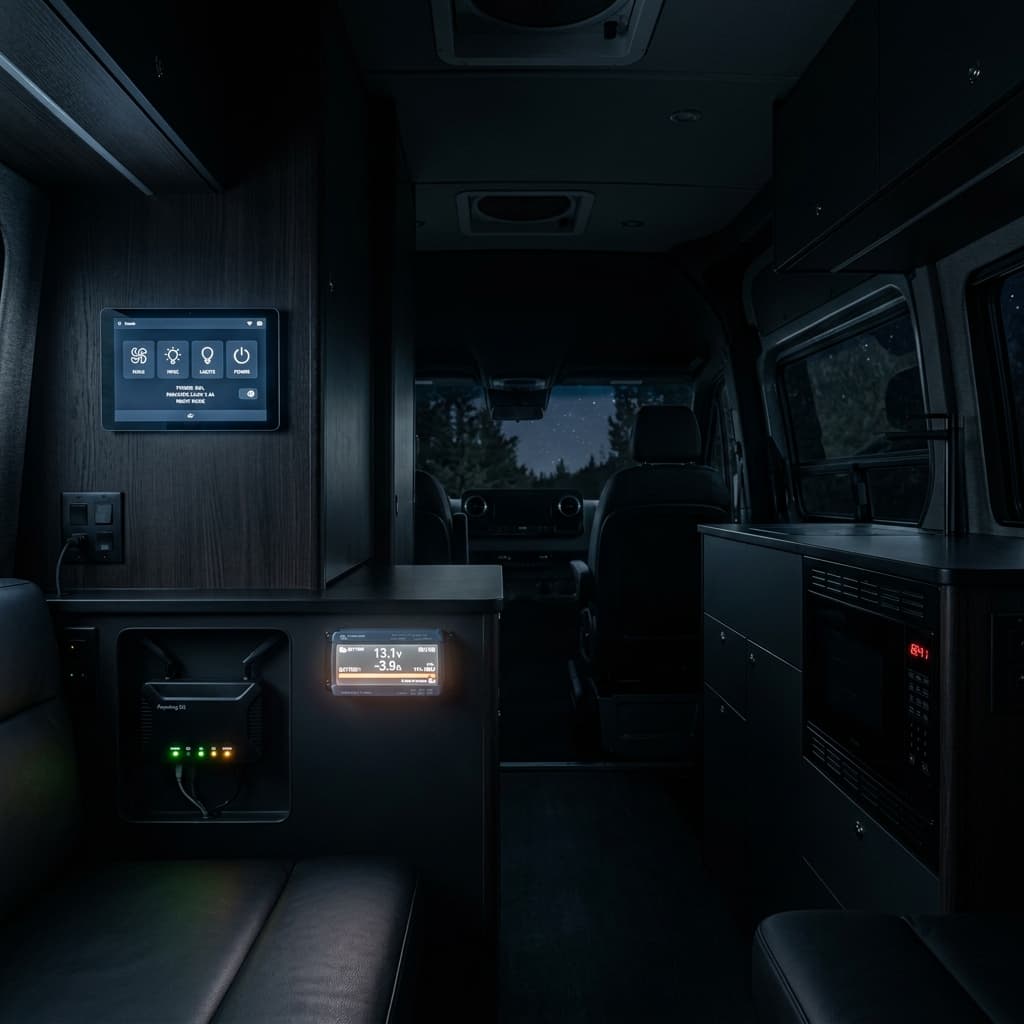
Today’s engineering audit targets the "Smart Drain" phenomenon in 2026 luxury motorhomes. We performed long-term telemetry on GX-enabled systems to identify the specific standby consumers that can deplete a 100Ah battery in days without a single light being turned on. This expanded report includes a 30-day logging session on a fully optioned 2026 Storyteller Overland MODE, revealing where the watts really go when you think everything is "off."
Ten years ago, a "parasitic load" was just a clock on a radio, a propane leak detector, and maybe a CO2 alarm. They drew milliamps, so little that a single Group 27 lead-acid battery could sit for six months and still start the generator. But a 2026 "Smart RV" is a different beast entirely. With a constellation of always-on Starlink routers, Victron GX hubs, cloud-connected displays, and IoT sensor arrays, your camper is effectively a small server rack on wheels. It's a data center disguised as a vacation home. If you don't actively manage these 24/7 idle draws, your expensive lithium system is at constant risk of a slow, silent, and deeply annoying death by a thousand milliamps. I've seen too many owners come back to a stored RV with a battery at 0% SOC, and the damage from that kind of deep discharge isn't always covered by warranty.
This isn't about fear-mongering; it's about awareness. A modern lithium bank *should* be able to handle these loads, but only if you size the system correctly and, more importantly, only if you know what the baseline drain actually is. You can't manage what you don't measure. This guide will walk you through exactly where the power goes when the lights are out, how to calculate your "IoT Energy Tax," and how to engineer a system that gives you all the smart features without the constant battery anxiety.
The Culprits: A Forensic Standby Consumption Audit
To understand the drain, we must look at individual standby footprints. Many owners are surprised to learn that their "energy-efficient" smart hub might be drawing as much power as a small LED light bulb every second of every day. The table below represents a baseline for a typical high-end 2026 build. But I want you to pay close attention to the difference between what the manufacturer's spec sheet says and what I've measured in the field. Spec sheets often list "typical" draw, not "worst-case" or "searching for network" draw.
| Device / Hub | Idle Draw (Watts) | 24hr Consumption | The "Drain" Impact |
|---|---|---|---|
| Starlink Mini (Idle/Connected) | 8 - 15W | ~250 - 360 Wh | High (Critical to Manage) |
| Victron Cerbo GX + GX Touch 50 | 4.5W | ~108 Wh | Moderate |
| Firefly Integrations Panel | 5 - 7W | ~140 Wh | Hidden Drain |
| Inverter "Zero Load" Idle | 18 - 35W | ~400 - 840 Wh | Extreme (The Silent Killer) |
| IoT Sensors (Tank/Temp/Humidity) | <0.5W | ~12 Wh | Minimal |
*Inverter idle draw varies wildly. A cheap modified sine wave unit might idle at 15W, while a 5000VA Victron Quattro idles closer to 30W in "On" mode. This is the single biggest lever you can pull to save energy.
The Inverter Idle Monster: Why "On" is Expensive
Let's talk about the elephant in the electrical bay: the inverter. Most people think, "If I'm not using AC power, the inverter isn't using power." That is dangerously wrong. A modern 3000W inverter/charger, even with zero AC loads connected, consumes a baseline amount of power just to keep its internal capacitors charged, its control board alive, and its magnetic field ready to respond. This is the "Tare Loss" or "Zero Load Power."
In our 30-day test, the single largest variable in daily consumption was whether the owner left the inverter switch in the "On" position overnight. With the inverter "On," the system baseline jumped from 4.5A @ 12V (54W) to nearly 8A @ 12V (96W). Over a 24-hour period, that's a difference of over 1,000 Wh (80Ah @ 12V), gone forever, just to keep a green LED lit. That's enough energy to run a 12V compressor fridge for an entire day.
The solution is the inverter's "Search Mode" or "AES" (Automatic Energy Saving) mode. In this mode, the inverter pulses its output every few seconds, looking for a load. If it detects something like a phone charger or a microwave being turned on, it wakes up fully. This drops the idle consumption from 30W down to about 5-8W. The trade-off is that some small "vampire" loads (like a USB wall wart with a tiny LED) might not be enough to wake the inverter, and some sensitive electronics don't like the brief power interruption during the search pulse. You have to test this with your specific gear. But for overnight storage, "Search Mode" or turning the inverter *physically off* at the remote panel is non-negotiable for efficient boondocking.
Convenience vs. Energy Tax: Finding the Balance
The challenge is that these "parasites" provide massive value. Being able to check your battery state of charge, tank levels, and interior temperature from your phone while you're at dinner in town requires that the Cerbo GX, the router, and the cellular modem are always powered and connected. The solution isn't necessarily to rip them out and go back to a dumb RV, but to engineer their isolation and accept that this is the cost of doing business in a smart rig.
✔️ Smart System Value
- • Remote Peace of Mind: Receive alerts if interior temps spike above 90°F (pet safety), if shore power fails at a campground, or if your battery hits a critical low voltage. This alone can save thousands in spoiled food or frozen pipes.
- • Unified Control: One screen (or one app) to manage lighting scenes, HVAC setpoints, and power distribution. No more hunting for three different remotes.
- • OTA Updates & Remote Troubleshooting: Your inverter and solar controller can receive efficiency patches while the RV is parked. A technician can remotely diagnose a system fault before you drive 200 miles to a service center.
❌ The Energy Penalty (And Hidden Costs)
- • Battery Cycling Stress: Constant shallow cycling (discharging 5-10% overnight and recharging daily) isn't *harmful* to LiFePO4 in the short term, but it does increment the cycle counter and, over years, contributes to calendar aging. It's wear and tear for no functional benefit to you.
- • Inverter Idle Overhead: Keeping a 3000W inverter "On" just to power a clock or a USB hub is like using a semi-truck to deliver a pizza. The overhead is disproportionate to the load.
- • Wi-Fi Vulnerability & Data Costs: An always-on smart hub is an ingress point. Keep your firmware updated. Also, if you're using cellular backup, a chatty hub can chew through your data plan just syncing logs to the cloud.
- • Generator Dependency in Storage: If you store your RV without shore power, a 100W parasitic load will drain a 400Ah battery bank to 0% in about 5-6 days. Without solar, you'll be running a generator or driving just to keep the computers alive.
Implementation: The 'Hard Kill' & 'Soft Kill' Strategy
In 2026, a professional build should feature a tiered isolation system. You don't need to kill power to your CO detector (don't do that), but you do need a way to shut down the data center when you're not using it.
Strategy 1: The Dedicated IoT Fuse Block. Install a secondary Blue Sea Systems ST Blade fuse block that is dedicated *exclusively* to IoT devices (Starlink, Cerbo GX, WiFi router). The main positive feed for this block should run through a high-amp continuous-duty relay or a manual battery switch accessible from the entry door. When you leave the RV for the day, or when you go to sleep, you flip that switch. Everything smart powers down gracefully. This is the "Hard Kill" method, foolproof and effective.
Strategy 2: Programmable Relay Logic (The "Soft Kill"). For those who want automation, use the Cerbo GX's relay output. You can configure a rule in Venus OS that says: "If the battery SOC drops below 40%, open Relay 1." Wire Relay 1 to a solid-state relay that cuts power to the IoT fuse block. This is your emergency parachute. It prevents the smart system from being the very thing that kills the battery. You can also use Node-RED to create a "Quiet Hours" schedule that cuts power to Starlink from 11 PM to 7 AM automatically. This is the elegant, modern solution.
Expert Methodology: The 1% Rule & Calculating Your Real Budget
A healthy off-grid system should aim for an idle draw of less than 1% of its total bank capacity per 24 hours. For a 400Ah LiFePO4 bank (roughly 5.1 kWh or 5100 Wh), 1% is 51 Wh. That's your target for *all* background loads combined. Let's run the numbers on a typical "Smart" build using the data above:
Baseline Smart Loads (Inverter in Search Mode): Starlink (250) + Cerbo (108) + Firefly (140) + Sensors (12) = 510 Wh/day
This is 10% of a 400Ah bank capacity.
If the Inverter is left "On": Add 600 Wh = 1,110 Wh/day. That's 22% of your bank capacity just to keep the lights off.
The math is sobering. On a rainy day with zero solar harvest, your "smart" features are the single biggest consumer of energy in the RV. This is why you see so many full-timers carrying a portable solar suitcase. It's not to run the A/C; it's to offset the IoT Energy Tax and keep the Starlink running.
Technical FAQ: Battery Drain & Smart System Management
Can I leave my Starlink on 24/7 while boondocking?
Only if you have a robust solar array and battery bank. As a rule of thumb, you need at least 400W of solar and 200Ah of lithium *dedicated to supporting the Starlink and router* if you want to leave it on continuously in cloudy conditions. A Starlink Mini can consume 15% of a 100Ah battery in just one day of zero solar harvest. Most people put the Starlink on a timed schedule (e.g., off from 11 PM to 7 AM) or on a manual switch.
Why does my battery monitor show -0.2A when everything is off?
That 0.2A is the "background hum" of the RV. It's likely the combined draw of the BMS (Battery Management System) inside the battery case (they consume a tiny bit to run their processor), the solar controller's internal logic (it's always scanning the panel voltage, even at night), and the shunt/monitor itself. This is normal and unavoidable. But it adds up to 5Ah (60Wh) every day. That's why you can't just leave an RV in storage for 6 months without a trickle charger or disconnecting the battery.
Is it bad to hard-cut power to my Cerbo GX?
Generally, yes. The Cerbo GX runs a lightweight Linux operating system. Cutting power abruptly *can*, on rare occasions, corrupt the SD card or the internal flash memory. The proper procedure is to use the "Power off" option in the GX Touch menu. However, for a nightly "Soft Kill," many users just accept the risk. A better solution is to use a small, cheap 12V UPS (Uninterruptible Power Supply) board or a supercapacitor bank to give the Cerbo 30 seconds of hold-up time to shut down cleanly when it detects the main relay opening. This is advanced but very satisfying.
What about the propane detector? Can I turn that off?
Absolutely not. Never disable safety devices like propane/CO detectors. Their draw is minimal (typically <0.1A) and they are a critical life safety system. The goal is to eliminate the *non-essential* data loads, not the safety gear.
Final Engineering Verdict
The "Smart RV" of 2026 demands a smarter power strategy. It's a tool, not a tyrant. Don't let your high-tech convenience become your battery's worst enemy. The first step is simple: spend a day with a notebook and your Victron VRM portal or a clamp meter. Identify your baseline constant load with everything "off." If it's above 5A @ 12V (60W), you have a configuration leak that is costing you usable amp-hours every single day.
The solutions are elegant: install a dedicated IoT master switch, program a low-SOC disconnect relay in your Cerbo GX, and always, *always* account for the "IoT Energy Tax" in your daily solar math. If your system is sized perfectly for your appliances but you forgot the 500 Wh/day parasitic load, you're going to be disappointed on day three of a cloudy trip. Build the system to support the convenience, or engineer the convenience to respect the system's limits.
Technical Expansion
Deepen your expertise with our most critical recent diagnostic reports.
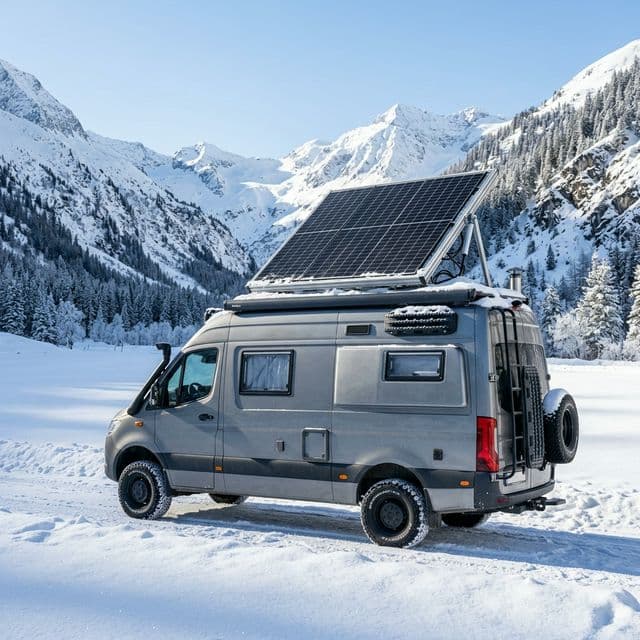
Winter RVing & Lithium: Survival Guide for Freezing Temps
Technical guide to lithium plating, battery heaters, and low-angle winter solar harvesting.
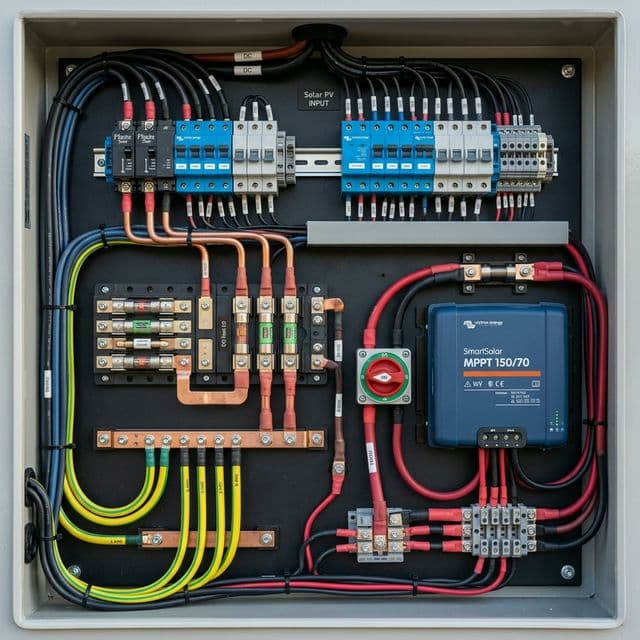
Top 10 RV Solar Mistakes: How to Avoid Burning Your Camper Down
The final word on solar safety: Fusing, grounding, and roof penetration best practices.
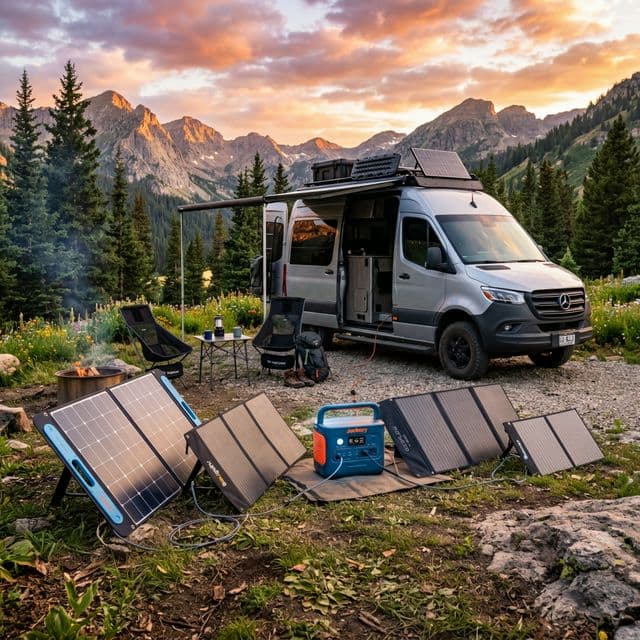
The Ultimate Guide to Portable Solar Panels for Van Life (2026 Edition)
technical deep-dive into portable solar technology, including N-Type and Bifacial cell innovations.